- Home Page /
- Books /
- Arts & Photography /
- Architecture /
- Drafting & Presentation /
- Autodesk Inventor Exercises - Learn by Practi...


Item #:
96550098
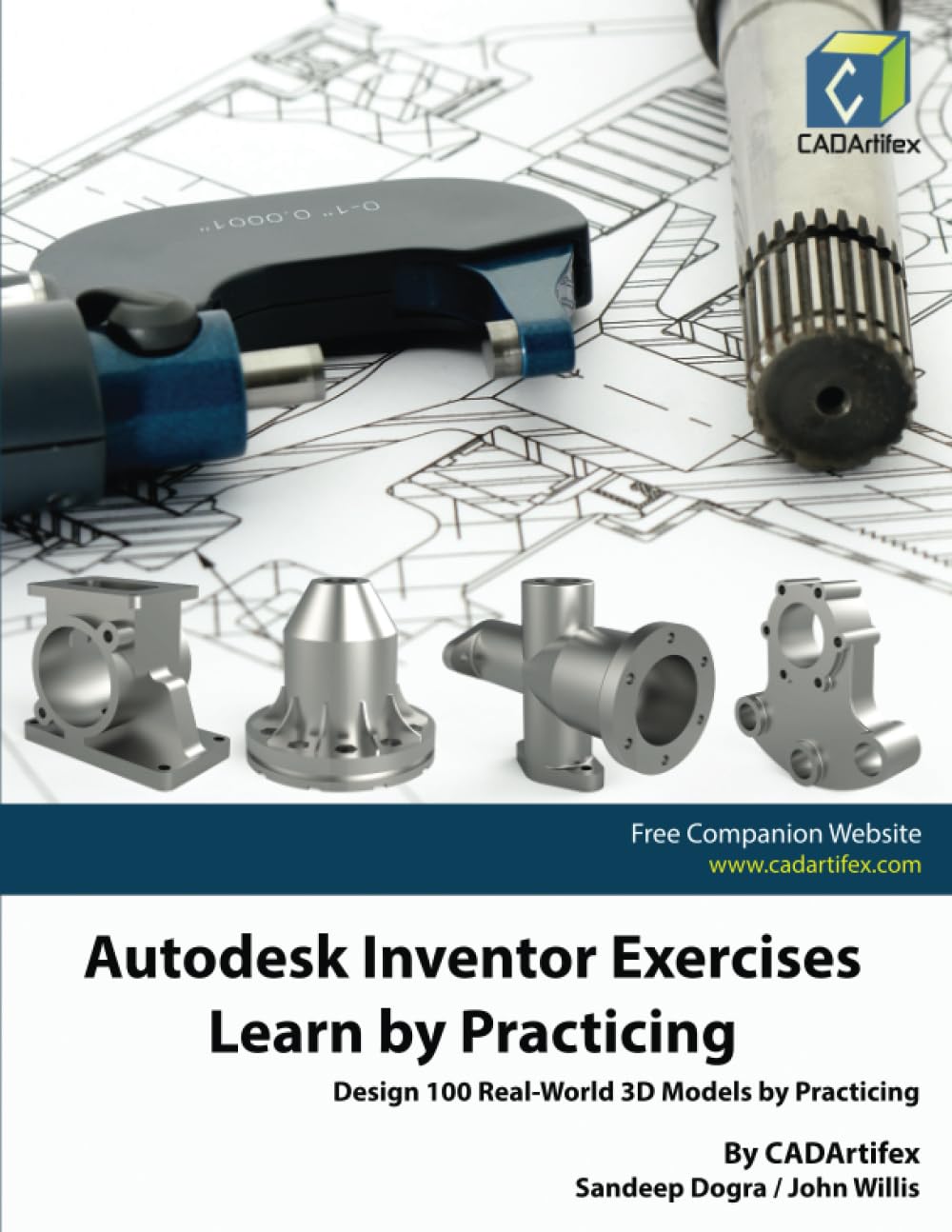
Autodesk Inventor Exercises - Learn by Practicing: Design 100 Real-World 3D Models by Practicing Paperback – August 17, 2023
Item #:
96550098
USD 23
Price Details
Excluding Shipping & Custom charges ( Shipping and custom charges will be calculated on checkout )
*All items will import from US
0 ratings
Write a review
In stock
 Imported from USA store
QTY:
Order now and get it around Monday, August 10
Secured transaction
Ubuy works hard to protect your security and privacy. Our advanced payment security system ensures confidentiality by encrypting your information during transmission using AES (Advanced Encryption Standards) and SSL (Secure Socket Layer) protocols. Your payment details are 100% secure as we do not share your payment details with third party sellers.
Our Top Logistics Partners


Enhance your design skills with 100 real-world 3D modeling challenges in Autodesk Inventor!

Fast
Shipping

Free
Return*

Secure Packaging

100% Original Products

PCI DSS Compliance

ISO 27001 Certified


Note: Step Down Voltage Transformer required for using electronics products of US store (110-120). Recommended power converters Buy Now.


What Stands Out
Hands-On Approach
Engage in practical learning by designing 100 real-world 3D models, enhancing your skills through hands-on experience that traditional learning methods often lack.
Comprehensive Content
Covers a wide range of topics within Autodesk Inventor, providing both beginners and intermediate users with the necessary tools to master the software effectively.
Updated Techniques
Includes the latest techniques and best practices in 3D modeling, ensuring users are equipped with current industry standards and innovative design processes.
Product Details
| Publisher | Independently published |
| Publication date | August 17, 2023 |
| Language | English |
| Print length | 126 pages |
| ISBN-13 | 979-8857883846 |
| Item Weight | 11 ounces (311.85 grams) |
| Dimensions | 8.5 x 0.29 x 11 inches (21.6 x 0.7 x 27.9 cm) |
Who Should Buy?

-
Students in Design
Ideal for engineering or design students looking to enhance their CAD skills through practical modeling exercises.
-
Professional Designers
Beneficial for professionals seeking to refine their Autodesk Inventor skills with hands-on practice on real-world projects.
-
Hobbyists and Makers
Great for hobbyists interested in 3D modeling who want to learn through practical experience with substantial projects.

-
Complete Beginners
Not suitable for those with zero experience in CAD, as prior knowledge of Autodesk Inventor is necessary.
Product Description
Autodesk Inventor Exercises - Learn by Practicing: Design 100 Real-World 3D Models by Practicing Paperback – August 17, 2023
Have any Query? Chat with us
Customer Questions & Answers
-
Question:
What is Autodesk Inventor Exercises about?
Answer: Autodesk Inventor Exercises focuses on hands-on practice with Autodesk Inventor software. The book includes step-by-step instructions for designing 100 real-world 3D models. This approach encourages readers to apply theoretical concepts through practical exercises, reinforcing their learning and helping them gain proficiency in design principles. -
Question:
Who is the target audience for this book?
Answer: The target audience for Autodesk Inventor Exercises includes students, educators, and professionals who wish to enhance their CAD skills. It's particularly useful for those who prefer learning by doing, as it provides a structured way to practice the essential features of Autodesk Inventor while designing various models in a realistic context. -
Question:
What skills will I develop by using this book?
Answer: By engaging with Autodesk Inventor Exercises, you will develop skills in 3D modeling, design visualization, and assembly creation. The book guides you through complex tasks in a manageable format, allowing you to understand design workflows and troubleshoot common issues, making it an excellent resource for advancing your competency in CAD. -
Question:
Are the exercises suitable for beginners?
Answer: Yes, the exercises in Autodesk Inventor Exercises are suitable for beginners and professionals alike. The book starts with fundamental principles and gradually progresses to more advanced concepts. This incremental learning approach allows beginners to build confidence while challenging experienced users to refine their skills through real-world applications. -
Question:
What software version is this book compatible with?
Answer: Autodesk Inventor Exercises is designed for the most recent version of Autodesk Inventor, ensuring compatibility with the latest features and improvements. Staying updated with the software means readers can effectively apply what they learn to current industry standards and practices, providing a relevant and impactful learning experience. -
Question:
Can this book help me with my career in design?
Answer: Absolutely! Autodesk Inventor Exercises enhances your design skills, making you more competitive in the job market. By mastering practical design tasks and understanding how to implement them, you'll be well-prepared for jobs in engineering, product design, and manufacturing, where knowledge of CAD software is essential. -
Question:
Is there a digital version of Autodesk Inventor Exercises available?
Answer: Currently, the primary format available for Autodesk Inventor Exercises is paperback. However, many retailers frequently update their inventory, so checking regularly for digital versions or eBooks can be beneficial for those who prefer electronic formats for convenience. -
Question:
How can I make the most out of this book?
Answer: To maximize your learning from Autodesk Inventor Exercises, follow the exercises sequentially and take notes on challenging areas. Additionally, regularly practicing outside the book's exercises by creating your projects can enhance your understanding and retention of the material, leading to greater proficiency in Autodesk Inventor. -
Question:
What materials do I need to work with this book?
Answer: To work effectively with Autodesk Inventor Exercises, you need access to Autodesk Inventor software, ideally the latest version, as well as a computer capable of running the program. A reliable internet connection can also enhance your learning experience, allowing access to online resources and communities for additional support. -
Question:
Where can I buy Autodesk Inventor Exercises in Lebanon?
Answer: You can purchase Autodesk Inventor Exercises - Learn by Practicing: Design 100 Real-World 3D Models by Practicing paperback from Ubuy in Lebanon. Ubuy offers a convenient platform for acquiring this essential learning resource, ensuring that you have access to the book to enhance your skills in Autodesk Inventor.
Drafting & Presentation Editorial Review
No editorial reviews found
Customer Reviews & Ratings
1 customers ratings
-
5 Star
100%
-
4 Star
0%
-
3 Star
0%
-
2 Star
0%
-
1 Star
0%
Review this product
Share your thoughts with other customers
Platform Trust & Buyer Confidence

MA
Mohammad
Verified buyer
“Excellent quality and original too,when ubuy send original things I will appreciate that ,I very satisfied thank you”
23 July 2026 · via Trustpilot
CK
Chitra
Verified buyer
“The order and delivery progress was communicated very well. Package arrived within the estimated time. Products arrived as expected in good condition.”
22-Jul-26 · via Trustpilot
K
kund
Verified buyer
“Good supply of products. Safe payment methods, and shipment worldwide! Genuine products.”
23-Jul-26 · via Trustpilot
OO
Onesi
Verified buyer
“Was my first time buying a product from Ubuy, but I found it so helpful. This is reliable. Gonna place a new order!”
22 July 2026 · via Trustpilot
SJ
SAO JOHN
Verified buyer
“Ubuy is a great online platform to buy stuff. Reliable, fast delivery time and great value for money. I've been using Ubuy online shopping platform for three years now and will continue to do so.”
23 July 2026 · via Trustpilot
Secure Checkout
Global Delivery
Easy Returns
Genuine Products
Product Price History
Important information
- Limitations : For products shipped internationally, please note that any manufacturer warranty may not be valid; manufacturer service options may not be available; product manuals, instructions, and safety warnings may not be in destination country languages; the products (and accompanying materials) may not be designed in accordance with destination country standards, specifications, and labeling requirements; and the products may not conform to destination country voltage and other electrical standards (requiring use of an adapter or converter if appropriate). The recipient is responsible for assuring that the product can be lawfully imported to the destination country. When ordering from Ubuy or its affiliates, the recipient is the importer of record and must comply with all laws and regulations of the destination country.
- Not all the products listed on Ubuy are for sale, as Ubuy is a global search engine. Products are subject to export/trade regulations.
USD 23
Order now and get it around Monday, August 10
This item is not restrict in my country.(Please click on above link if this item is not restrict in your country, So our team will review and allow.)
QTY:
Secured transaction
PCI DSS compliant and ISO 27001:2022 certified, with encrypted payments and full buyer protection on every order.
Our Top Logistics Partners
Fastest cross-border delivery
Features & Benefits
- Learn practical design skills through 100 hands-on exercises.
- Ideal for all skill levels: from beginners to advanced users.
- Focus on analyzing drawings before creating models.
- Compatible with multiple CAD software beyond just Autodesk Inventor.
- Develop real-world engineering and design skills.
- Perfect for those looking to elevate their 3D modeling expertise.
Ubuy Assurance
Experience worry-free shopping with 100% original products, PCI DSS-compliant payment security, ISO 27001-certified data protection, the fastest cross-border delivery, free returns *, and secure packaging on every order.